
Who was watching?
A long-haired figure beside the fence. A stranger at the end of the hall. Enough to notice. Enough to wonder.
First they spot it. Then it moves. Turn your photo into a five-second ghost video, made from the exact haunting you choose.
Start with a free photo preview. No account or card.
Clean photo + 5-second video · $7.99 USD, paid once.
A quiet head turn. A visitor shifting in the doorway. Your finished GhostCam image becomes a five-second clip with subtle, unsettling movement.
Upload your photo and preview the haunting free. Choose the photo + video bundle for $7.99 USD. Keep the exact image you love and a five-second animated haunt.
Free preview. No account or card.
Free previews have daily limits shared by people on the same network. Trying our saved sample does not use a preview.
JPG, PNG, WebP or HEIC · Up to 25 MB.
Not posted to a gallery. Anyone with an image link can open it. Photo privacy
Keep the moment. Change one detail.
Choose an idea to try in your photo.
A long-haired figure beside the fence. A stranger at the end of the hall. Enough to notice. Enough to wonder.
The room looks familiar. The figure reflected in the window doesn’t. Try a photo with a mirror or glass.
An ordinary wall. An extra human shadow. Try a scene with clear light and space for one wrong detail.
Original AI concept examples. Your free preview shows the result on your own photo.
Can you spot the haunting? Play free ↗Explore 17 haunting ideas ↗How to make a photo feel haunted ↗Halloween photos, games & group-chat ideas ↗
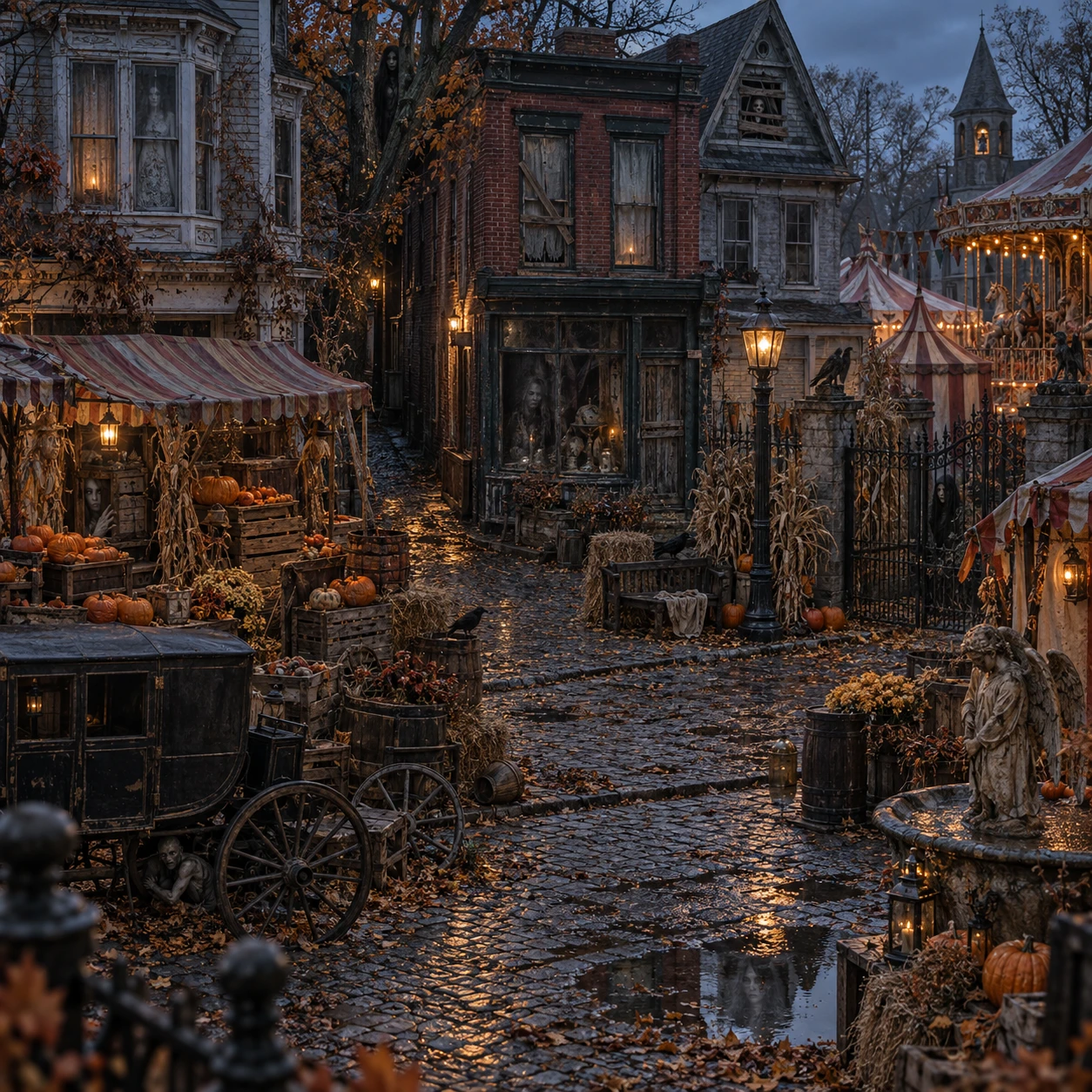 BLACKTHORN FAIR · FREE HIDDEN-GHOST GAME
The fair closed years ago. Someone stayed. Explore the scene, find the hidden visitors, then send your score to the group chat.
Play free No upload. No account. No jump scares.Keep the whole photo in frame. Skip the red circle and the big reveal. Let your friends be the ones who say, “Wait. Who’s that?”
Keep it playful: use photos everyone is happy to share, add an AI label, and reveal the edit before anyone worries.
“Sunday lunch.”
AI edit
A simple caption keeps the surprise in the picture. No GhostCam shout-out needed.
The clean download has no watermark.Save it to your camera roll, then post the picture wherever your friends are.
Make a photo worth a second look ↗Start with a free photo preview. Get your clean photo and its Animated Haunt together for $7.99 USD. One checkout, two downloads. Your photo is available while we prepare and check your video.
One-time payment through Stripe. No subscription. Questions? Get help.
Your clean, full-size photo plus a five-second animated MP4 of that same image.
Already purchased a photo? Open its private result link to add animation for $4.99 USD.
A branded full-size version is also available for $1 USD.
Save $4.98 compared with three $4.99 single photos. No account needed.
Make a free photo preview, then choose the $7.99 USD photo + video bundle. One payment includes the exact clean photo and a five-second animated MP4. Already purchased a photo? Add animation for $4.99 USD from its result page. We check the source before checkout and hold back videos that fail our quality checks. Your photo stays available; contact support for a replacement or refund if your video cannot be delivered.
The walking wall shadow is custom homepage artwork. The playable room example is a real GhostCam output. Your Animated Haunt uses your own saved GhostCam photo, with subtle motion; the exact movement varies. Videos do not require sound.
Yes. The $4.99 USD clean download has no watermark. Save the image and upload it as a regular photo. You don’t need to mention GhostCam or point out the haunting. Use an AI label or a short ‘AI edit’ note so the surprise stays playful.
Pay $9.99 USD once after your first preview. That clean image is included, plus two more clean photos. Your receipt has a private link to your saved balance, usable on another device. No expiry or subscription. A failed generation keeps your photo credit. Keep the pack link private; share individual photos instead.
No. GhostCam creates fictional horror edits using AI. It does not detect ghosts. Let friends find the strange detail, then reveal the edit before anyone worries. Keep the fun away from real emergencies or accusations.
Try an everyday phone photo with a readable background: a family lunch, friends at a park, a yard or a hallway. Choose a photo you have permission to use. Avoid tight crops with no space for the effect.
Upload a photo and choose a visitor. No account, email, or card is needed to try it. Previews have daily limits. Buying the clean capture unlocks the exact image you previewed, without the watermark. Your exact image is reserved for purchase for 24 hours after the preview is ready. Start checkout at least 31 minutes before that reservation ends. The deadline is shown beside your preview, in your local time. Completed purchases remain available after the preview reservation ends.
Your preview can take a minute or more. After checkout, we prepare your saved image for download. Keep your result page open. We also email your download link, so you can come back to it.
Reply to your delivery email or contact support@ghostcam.app. We offer up to three regenerations or a refund within seven days of purchase. See our refund policy for details.
We do not automatically put your capture in a public gallery. Uploaded and generated images are stored to create and deliver your order; anyone with an image link can open it. Avoid sensitive photos. Email support@ghostcam.app to request deletion.

Your next haunting, one tap away. Explore the pocket studio ↗